 been.design
When does your website need a redesign?
Consider a redesign when the website no longer explains the offer, supports the required journeys or fits the way your team publishes. First check whether a targeted content, page or technical change would solve the problem with less disruption.
Name the problem before choosing a rebuild.
Start with an observation, not a preferred visual style. A visitor cannot find a service, the team cannot publish a case, or the main enquiry path breaks on mobile. Each points to different work.
Search impressions, clicks, inquiries and completed bookings describe different stages. Review the relevant pages and time period before attributing a business problem to the design.
| Observation | First thing to investigate |
|---|---|
| The offer has changed | Message, page hierarchy and missing product information. |
| Visitors cannot complete an action | The form, booking path and mobile interaction. |
| Publishing needs a developer each time | Content model, editing workflow and account permissions. |
| Search traffic changed | Queries, affected URLs, indexing and content changes. |
| The brand feels inconsistent | Shared typography, imagery and component patterns. |
Separate a repair from a replacement.
A broken form does not require a new visual identity. An unclear product introduction may need new content and interface examples. A publishing problem may require a CMS change, which has its own migration cost.
Write down what can remain. This makes it easier to compare a small update, a phased redesign and a full rebuild without assuming that the largest option is the best one.
Use examples to discuss scope.
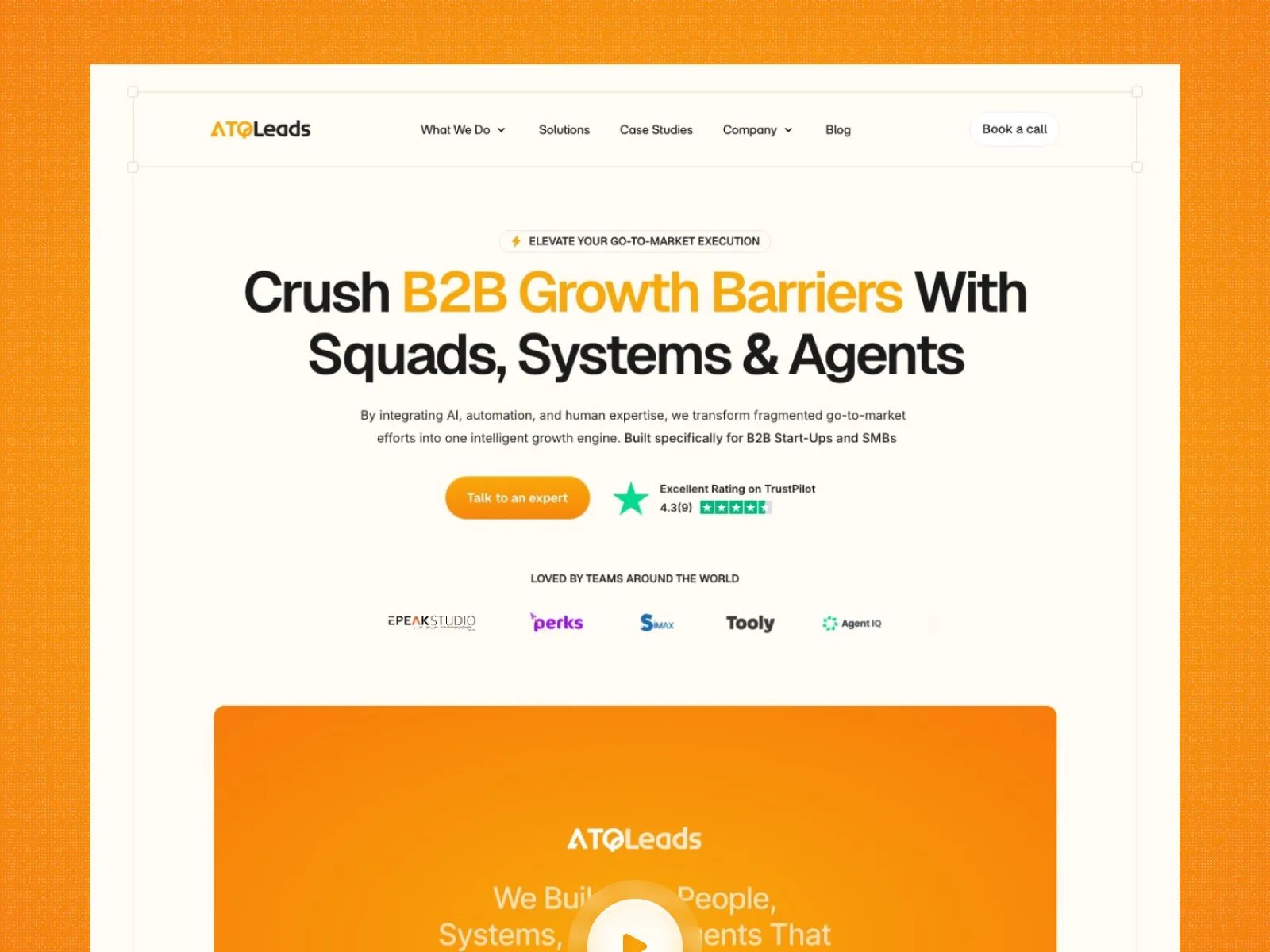
ATQLeads documents a brand refresh and website rebuild, including an archived view of the earlier design. Update.ai focuses on product storytelling and reusable website patterns. These examples show what changed; they do not establish that every website needs the same treatment.
Price the content move before the visual work.
List the pages, assets, search records, forms and account dependencies. Decide which URLs should stay and which need a relevant redirect. A redesign can create avoidable risk when content transfer is left until launch week.
During our own Framer-to-Next.js move, legacy project and policy routes had to remain available. That work belonged in the launch plan alongside the visual implementation.
Write a decision you can review later.
There is no universal redesign schedule in this guide. The right timing comes from the work the site needs to do and your team's ability to deliver and maintain it.
- The specific problem the project will address.
- What remains, what changes and what is out of scope.
- Who supplies content and approves decisions.
- The baseline and action to measure, if data exists.
- The launch dependencies and maintenance owner.
Sources and further reading.
Primary documentation referenced for this guide. Platform features and requirements can change; check the current documentation for your project.