 been.design
A website project brief you can use.
A useful website brief explains the audience, offer, desired action, required pages and delivery constraints. It also names who supplies content, approves facts and maintains the site. Use the template below as a shared starting point, even when some answers are still unknown.
Start with the blank template.
Download the plain-text brief and fill it in with your team. It has no sign-up requirement and does not send your answers to us. Keep private product, customer and account details out of a public brief.
The template is a planning aid, not a quote or contract. Mark an answer as unknown when a decision still needs investigation.
1. Explain who the page is for.
Name the main audience, the problem they recognise and the offer you want them to evaluate. Include the action you want to support and what happens after it.
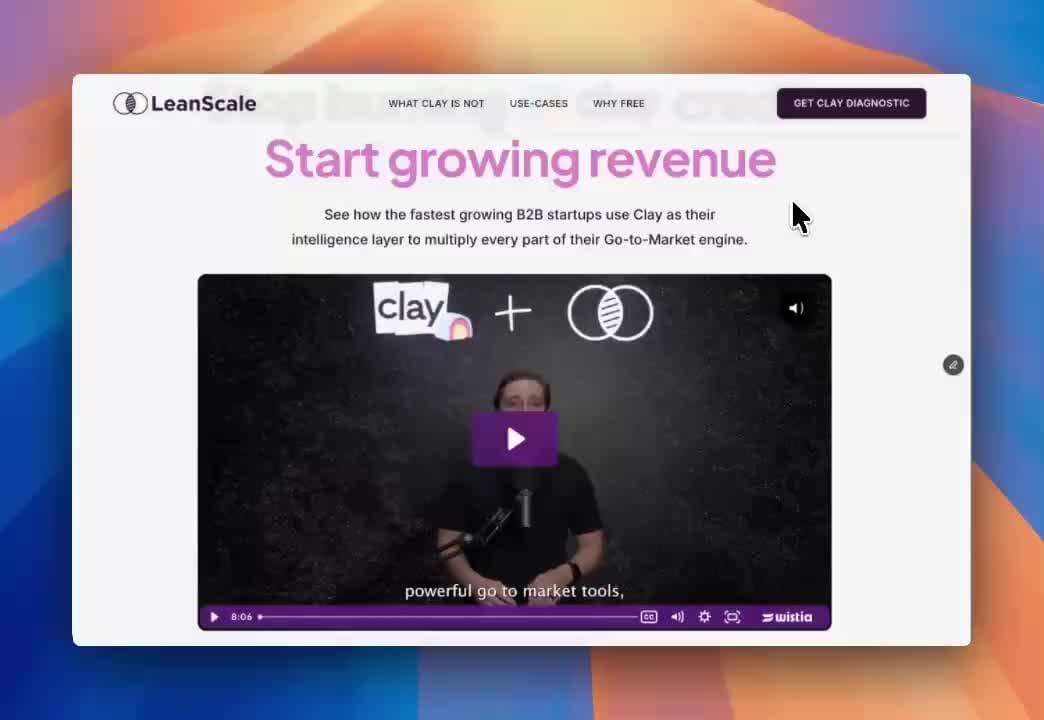
For example, LeanScale's published project connected a Clay consulting explanation with a diagnostic request. Your brief should identify its own action rather than copy that offer.
2. List the content and evidence.
A sitemap is more useful when each page has a purpose. If two pages answer the same question for the same audience, consider whether they need to be separate.
- The pages you need and the question each should answer.
- Existing copy, brand files and approved product screenshots.
- Project examples, quotes or metrics with source and permission.
- Missing material, its owner and the date it could be ready.
- Content types that will need repeated updates after launch.
3. Describe the build requirements.
List the current platform, editing needs, forms and systems the website must connect to. Identify any part that needs custom application behaviour. A sample Figma layout cannot answer all of those questions.
Include domains, hosting and account ownership as responsibilities, without putting passwords in the document. We can arrange access through the relevant service when it is actually needed.
4. Make the migration visible.
For an existing site, attach the URL inventory and identify material that must remain. Note important incoming links, forms, downloads and policy pages. Give moved pages a relevant destination and a person responsible for checking it.
Our own migration retained the Vanos, Spacedome and policy routes. These dependencies were part of moving the site, even though they were not the central homepage design.
5. Agree how the work will move forward.
Send the completed brief when you are ready to discuss scope. You can also use it to compare proposals on the same requirements. Filling in the template does not commit you to a project.
- Budget context and any separate ongoing costs.
- A real deadline and why it matters.
- The decision-maker and feedback process.
- Content, legal or third-party dependencies.
- Launch checks, handover files and maintenance owner.
- The event and baseline to measure, if measurement is in scope.