 been.design
Framer or Webflow for a marketing website?
Both Framer and Webflow offer visual website building and CMS publishing. Choose by testing the content model, editing roles, integrations and maintenance your team needs. The right comparison is a representative page and publishing task, not a list of marketing claims.
What this comparison is based on.
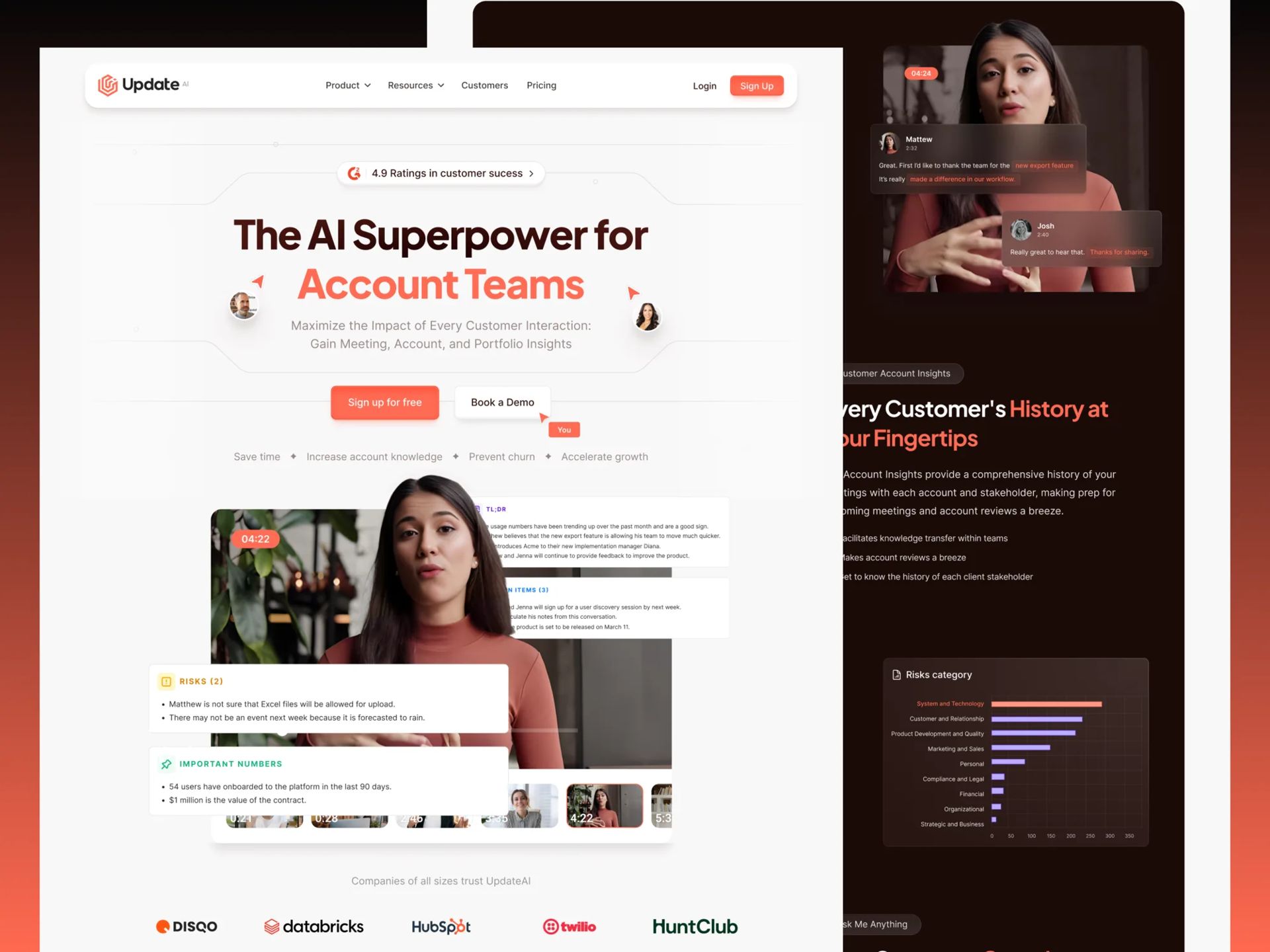
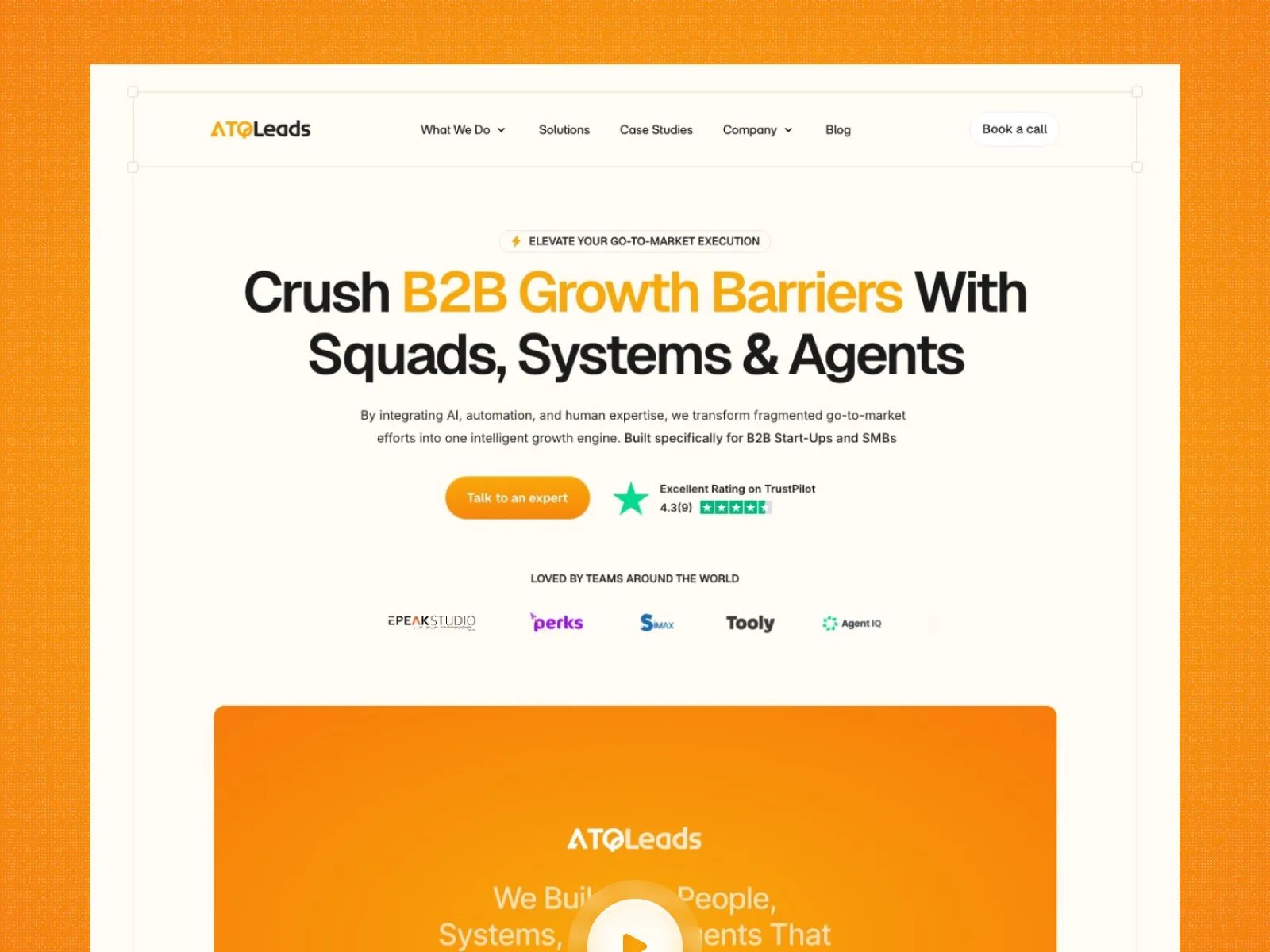
Our portfolio includes Framer implementations such as Update.ai and ATQLeads. This website uses Next.js. We do not present the portfolio as evidence of a Webflow client implementation.
The Webflow information here comes from its current CMS and content-editor documentation. Platform features, roles, limits and pricing can change, so confirm the requirements against the plans you would actually buy.
Compare the publishing tasks.
| Requirement | Framer | Webflow |
|---|---|---|
| Visual website work | Visual page design with shared components and publishing tools. | Visual page design with reusable site structures and publishing tools. |
| Structured content | CMS collections and templates; test your fields and relationships. | CMS collections and templates; test your fields and relationships. |
| Editor access | Confirm the roles and actions available in the proposed setup. | The documented Content editor role can update content and CMS items with permissions. |
| Search settings | Metadata, indexing controls and redirects need configuration. | Review page settings, publishing permissions and redirect requirements. |
| Ongoing costs | Check hosting, editor access, CMS needs and integrations. | Check hosting, workspace or site roles, CMS needs and integrations. |
Test one real content model.
List the content you publish: products, cases, articles, people or locations. For each type, name the fields, references and page patterns you need. Then build or review one representative example before making a platform commitment.
A simple campaign page and an editorial site with several content types create different maintenance tasks. Neither platform should be chosen from the homepage mockup alone.
Have the future editor try the workflow.
Ask the person who will maintain the site to update an image, edit a headline, publish a content item and review a draft. Check the actions they can perform without changing the design system.
Confirm account ownership, access, subscriptions and the process for changes that still need a designer or developer. A visual tool still needs a well-planned handover.
Check the requirements outside the visual editor.
Forms, consent tools, localisation, application data and third-party integrations can affect the choice. Document what is native, what relies on another service and what needs custom implementation.
If the project needs a closer connection to an existing React application or custom server behaviour, compare a Next.js build as well. That introduces its own development and maintenance responsibilities.
Make the choice with evidence.
This guide does not award a speed, SEO or conversion winner. Results depend on the specific implementation, content and measurement.
- One representative page and CMS entry reviewed.
- Editor roles and publishing steps confirmed.
- Required integrations and ongoing costs listed.
- Migration and ownership responsibilities agreed.
- A clear reason the chosen workflow fits the team.
Sources and further reading.
Primary documentation referenced for this guide. Platform features and requirements can change; check the current documentation for your project.